

Press

Lign press kit

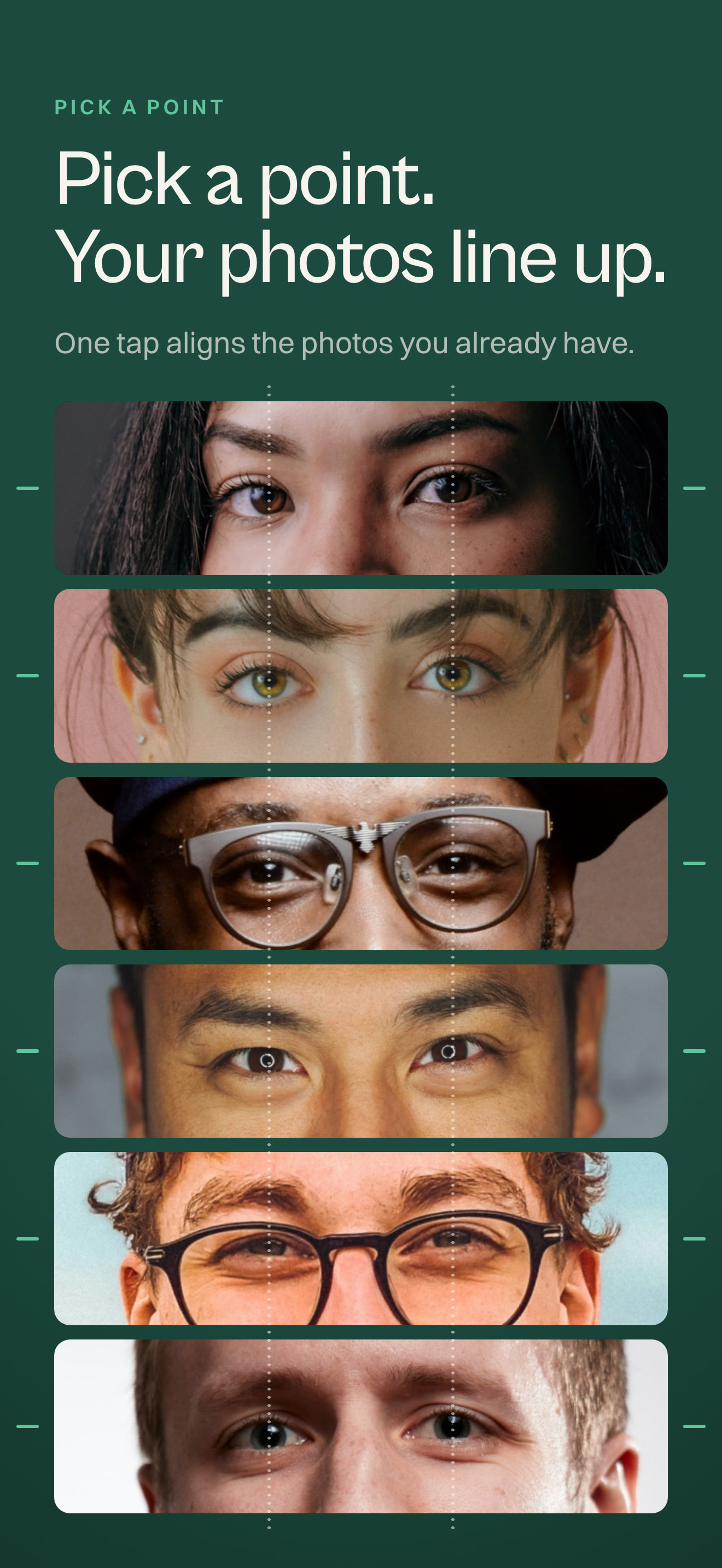
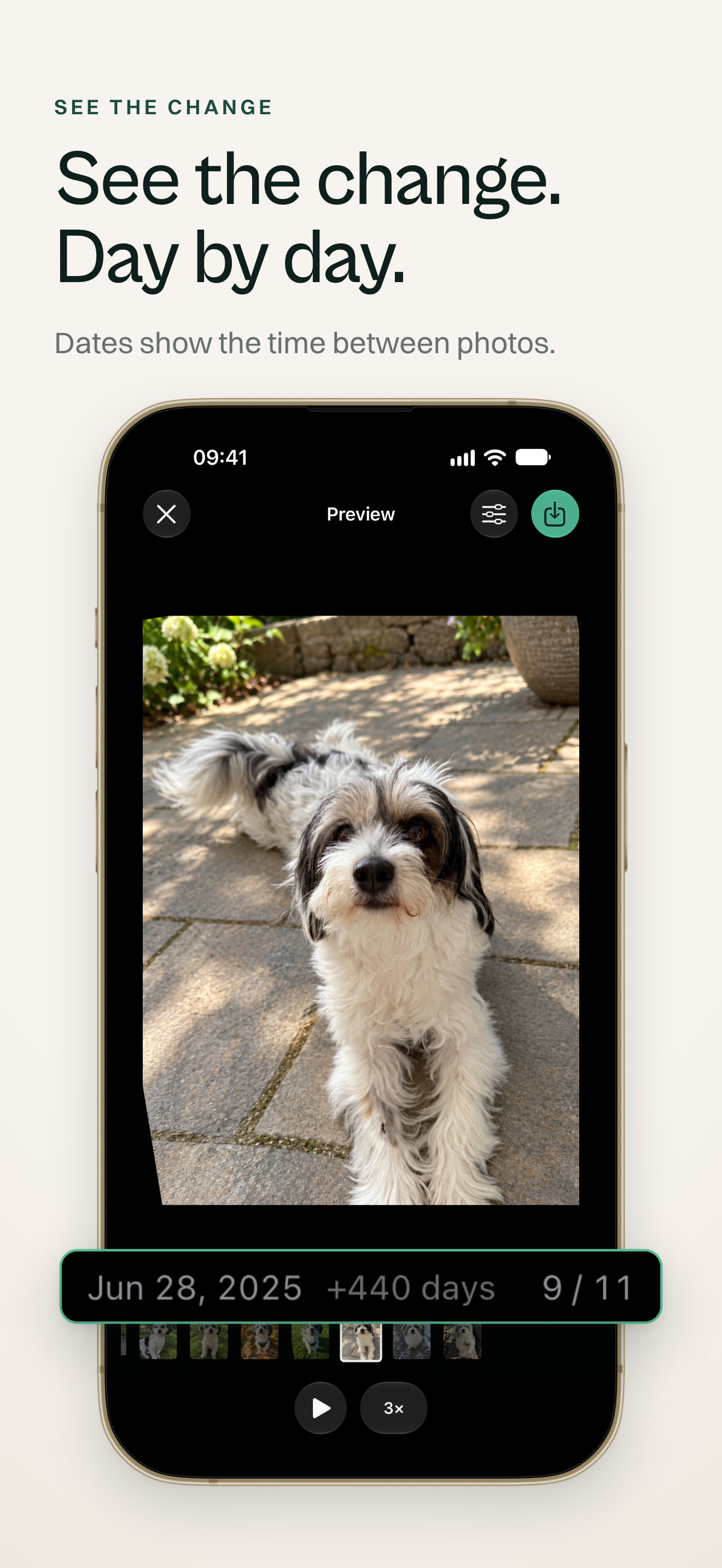
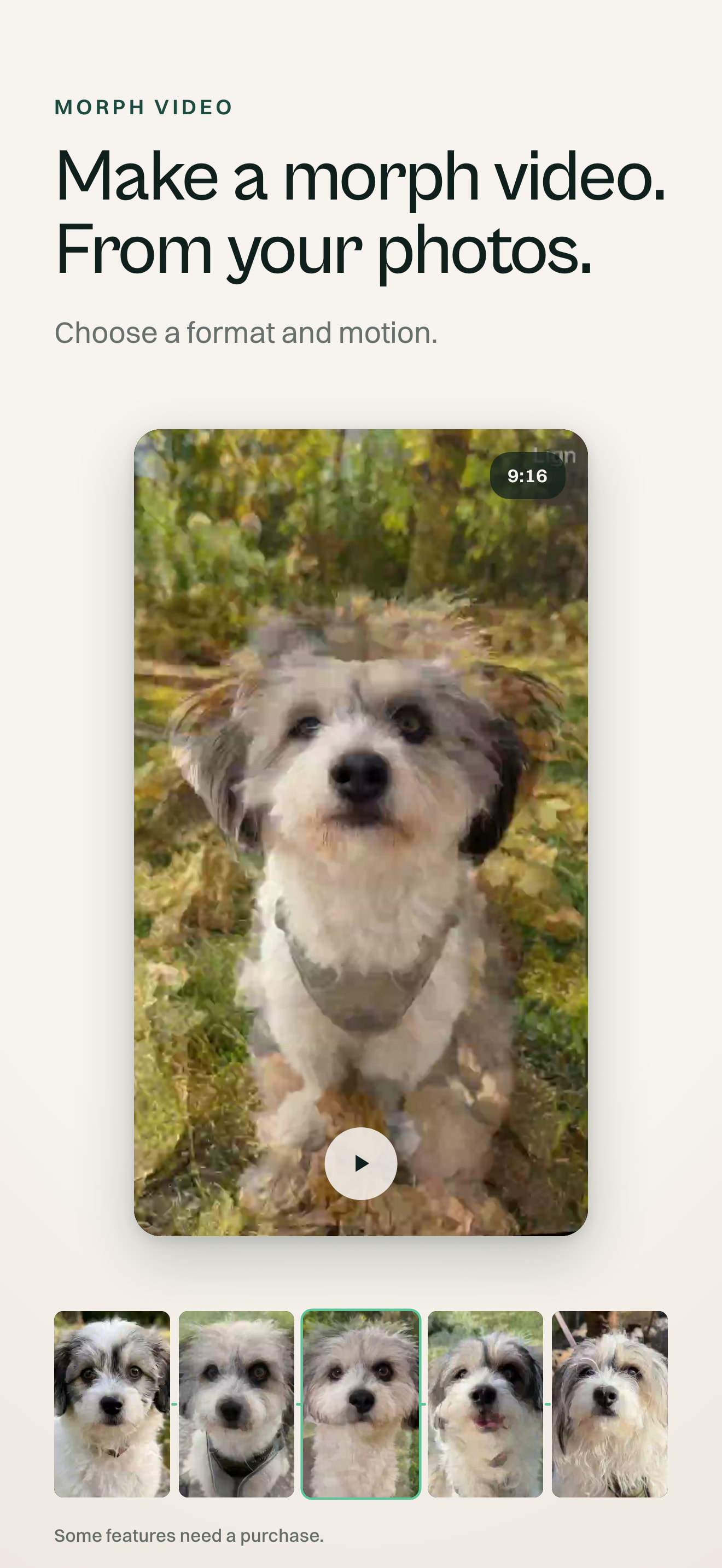
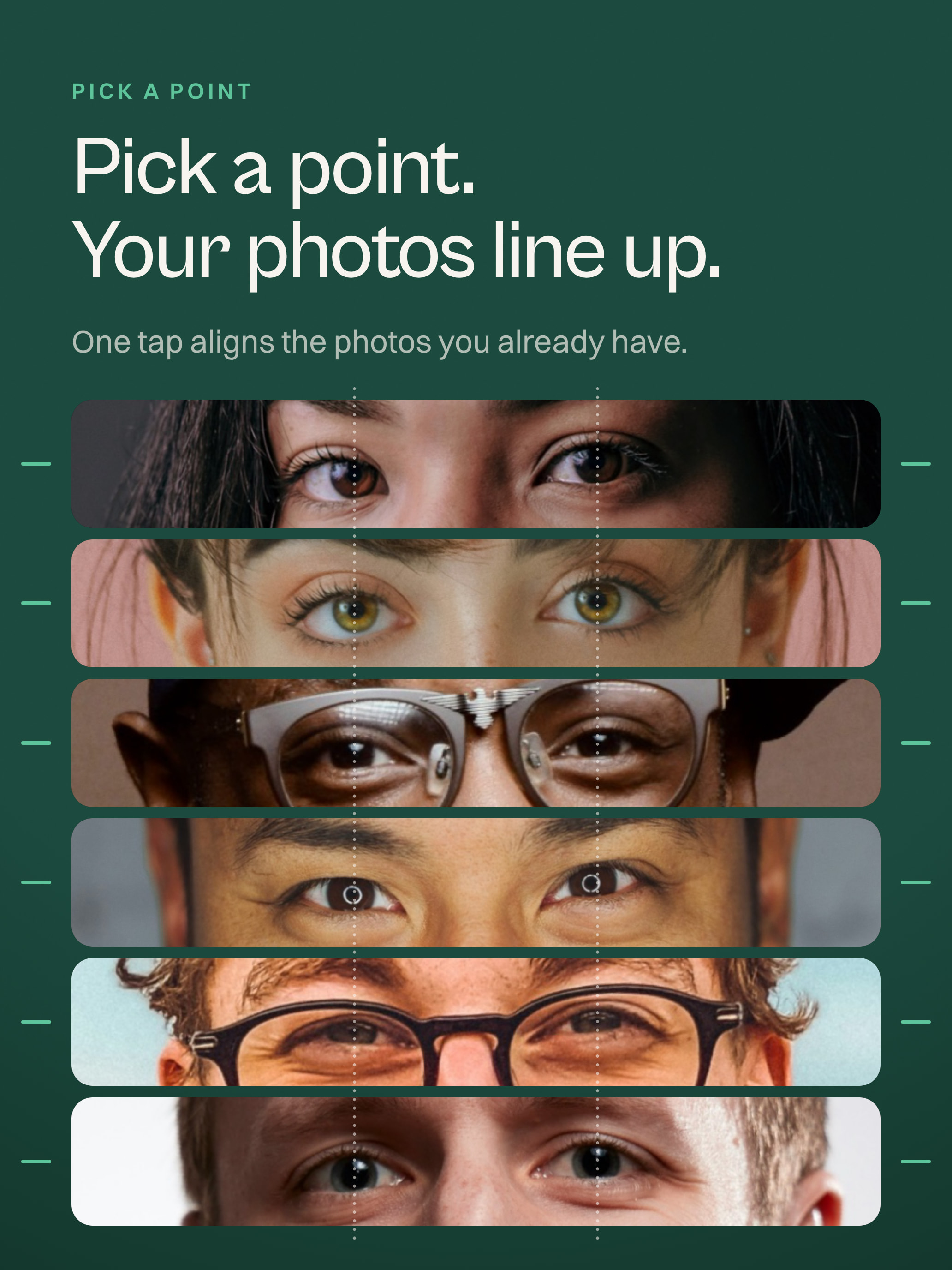
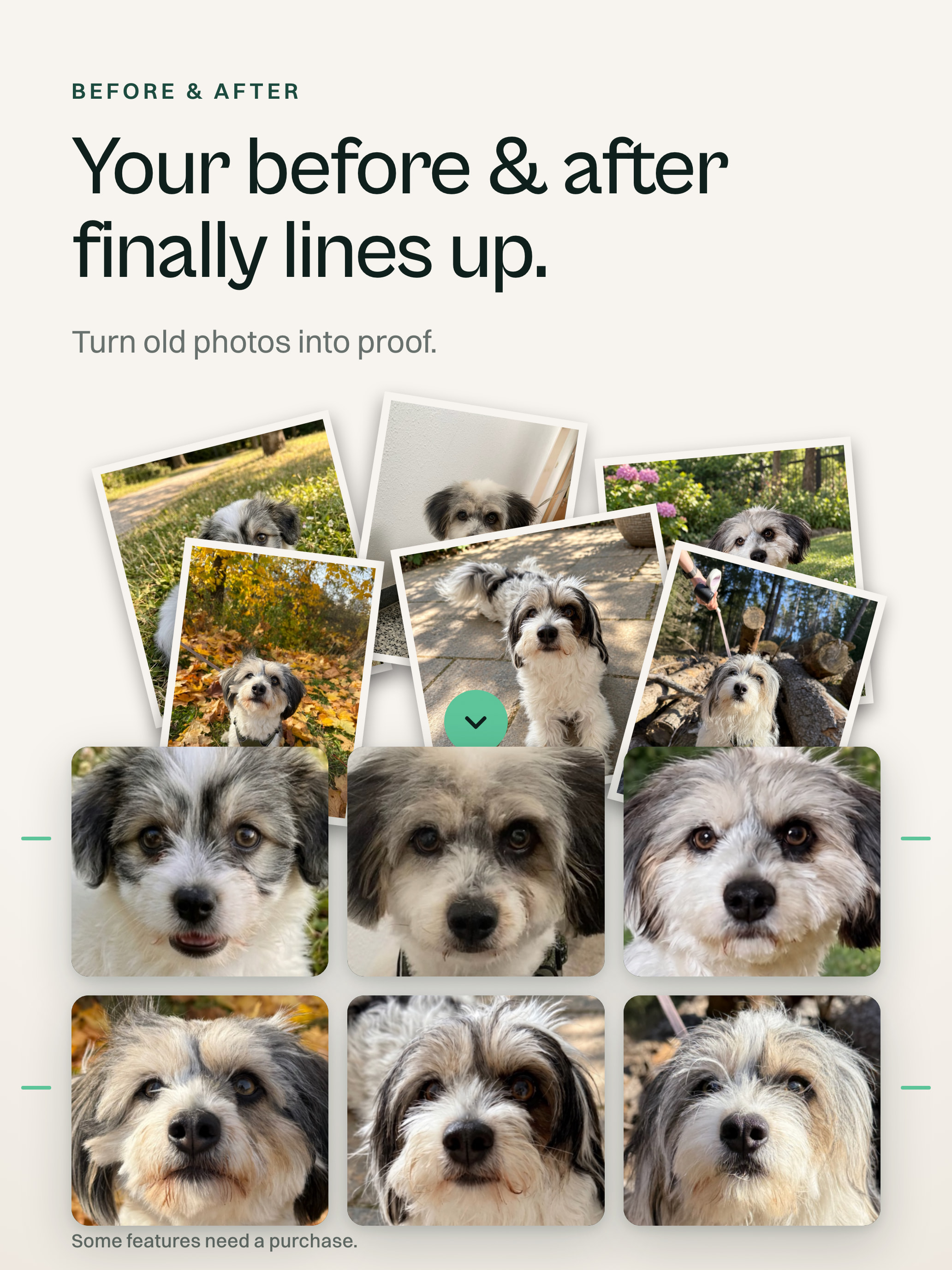
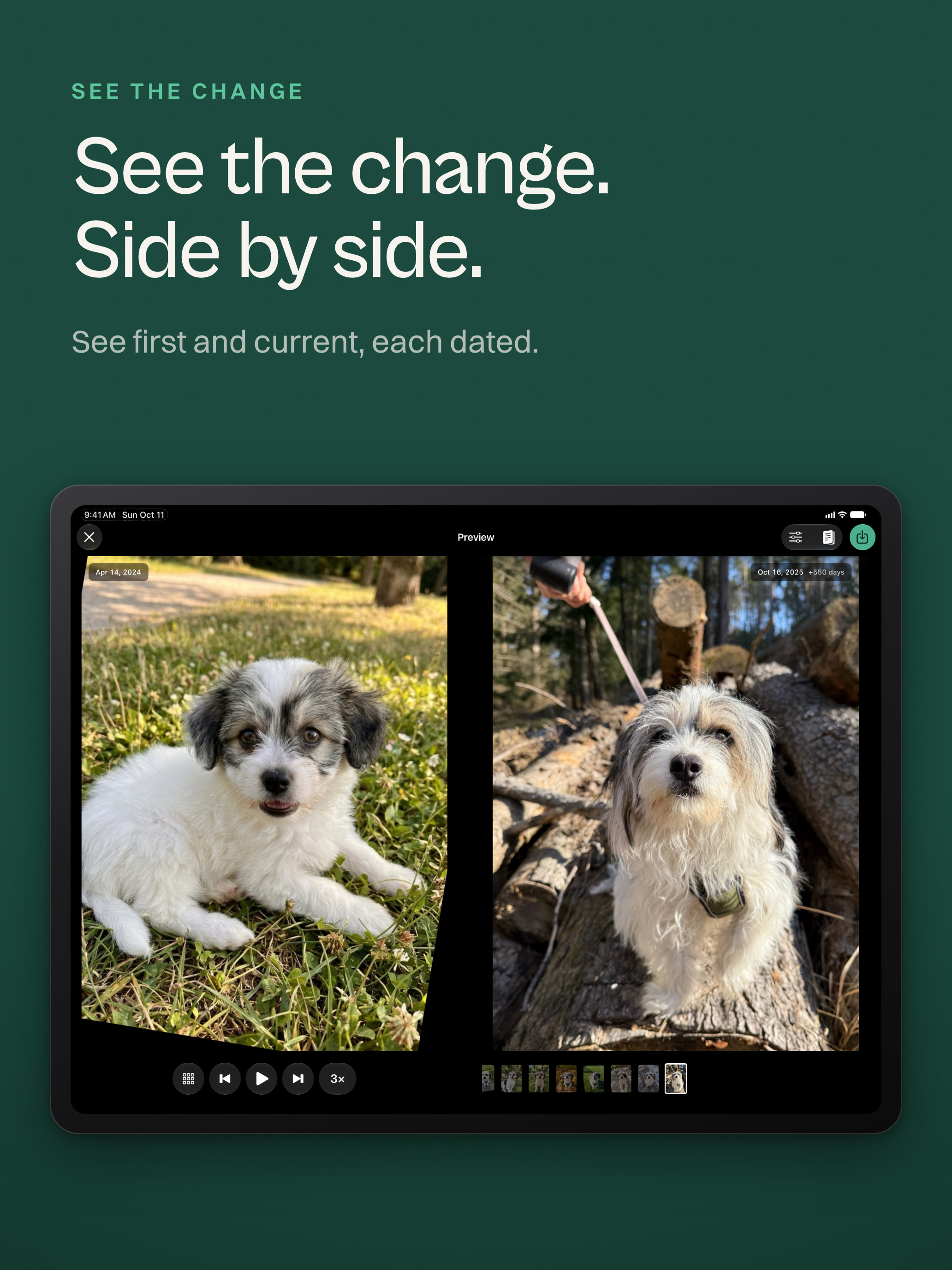
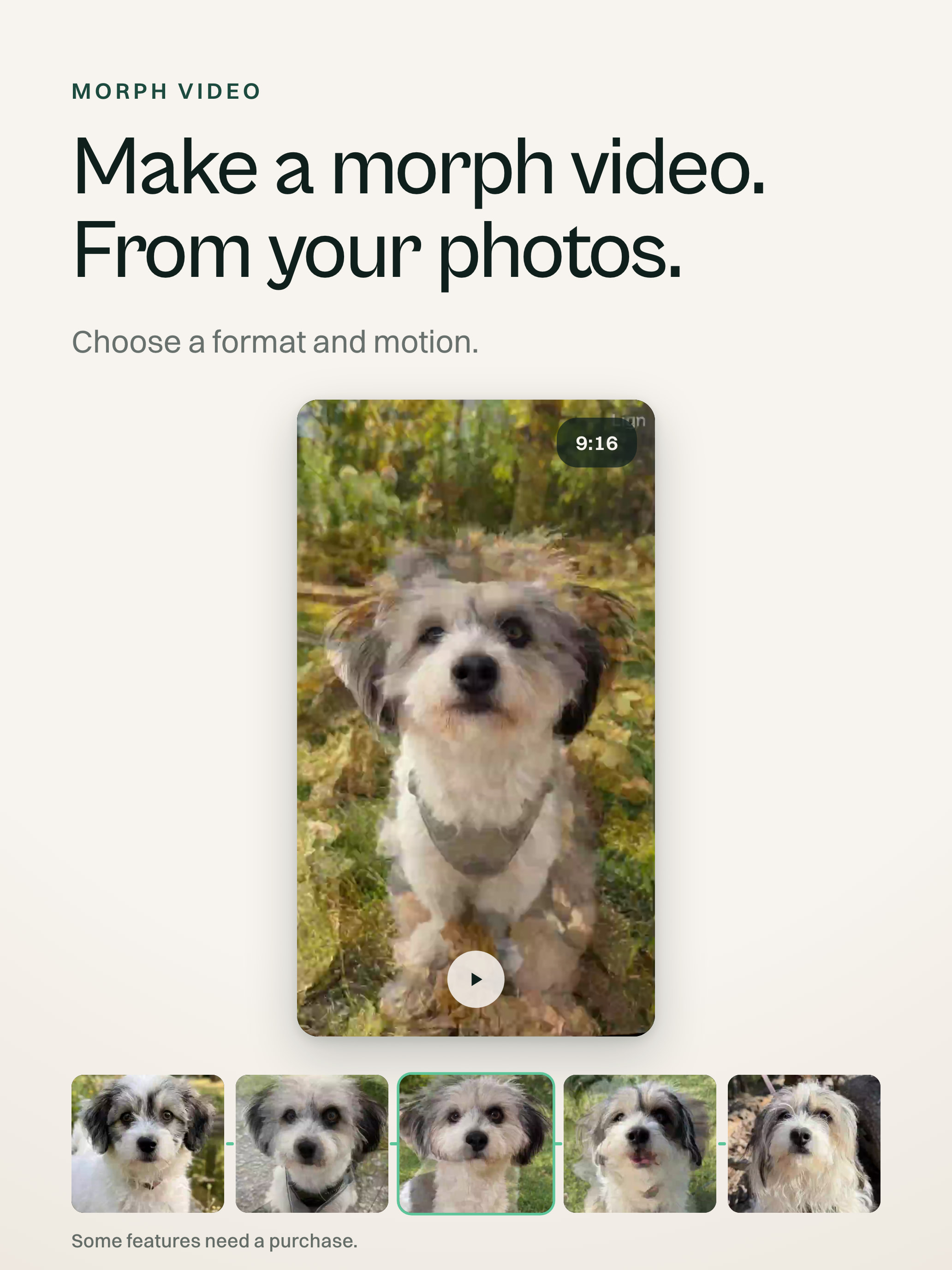
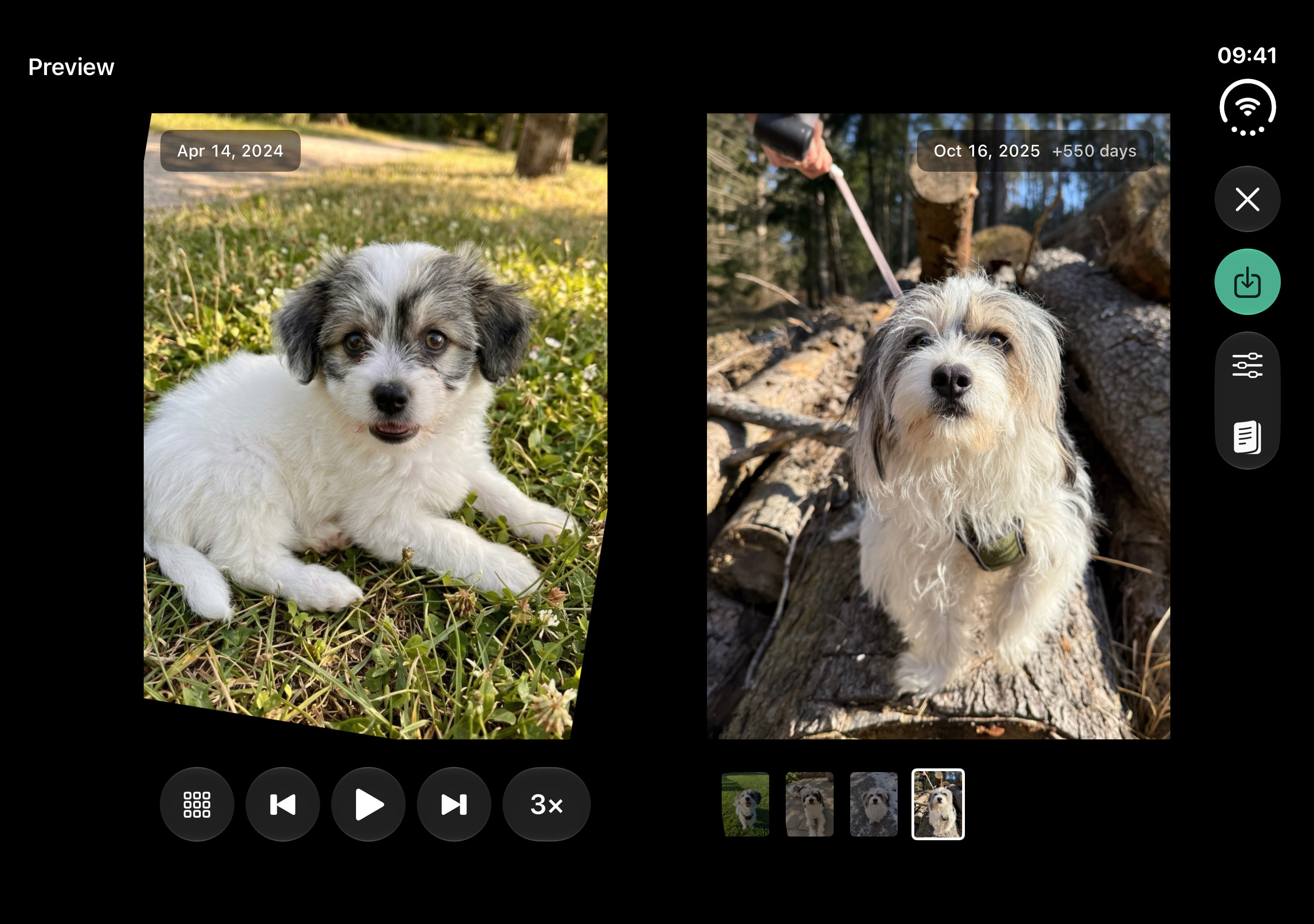
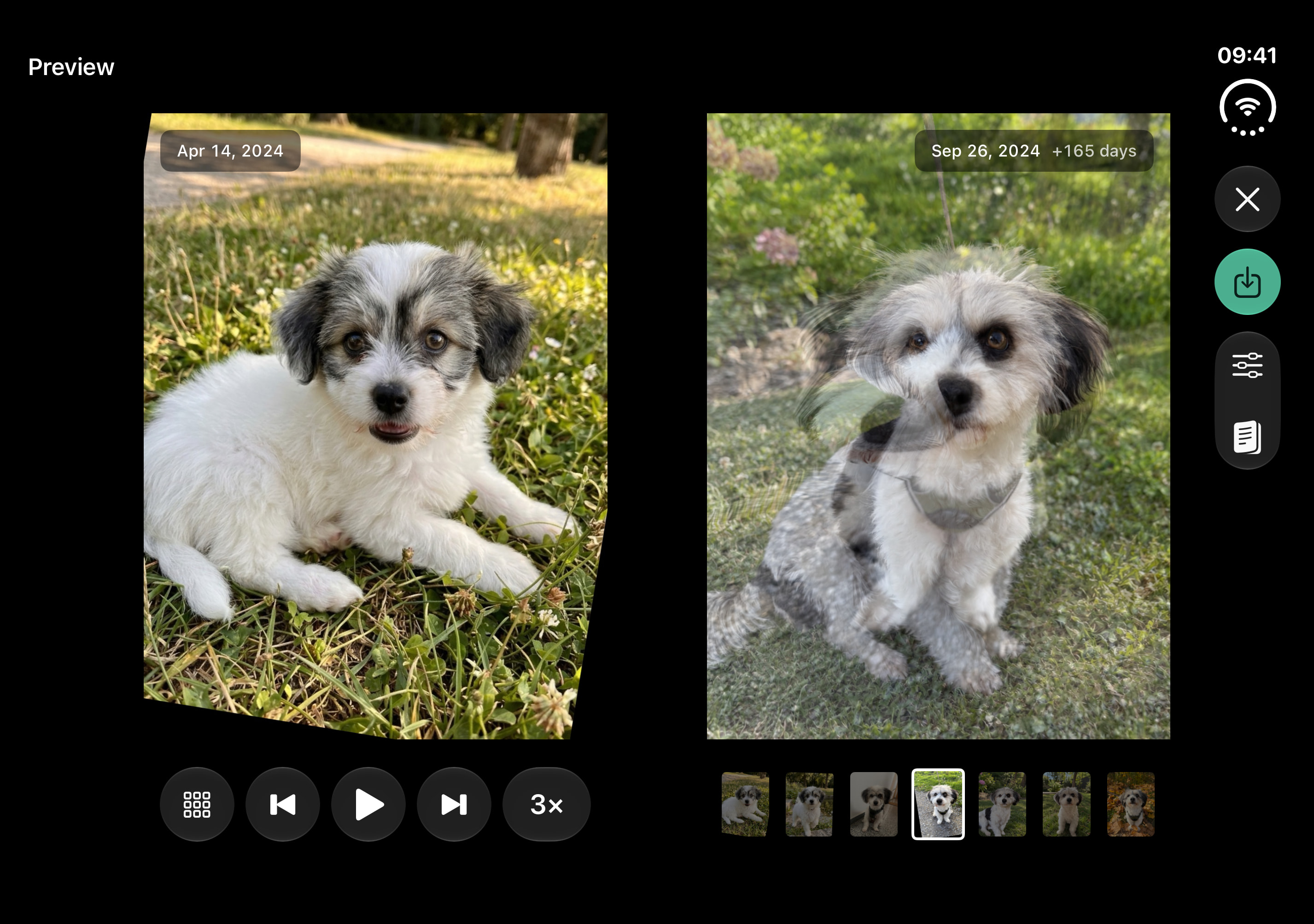
Lign aligns a person’s own photos on a chosen point, then plays them as a flipbook or morph video. Made by Julian Pomper, it is for iPhone and iPad, with layouts made for iPhone Duo.

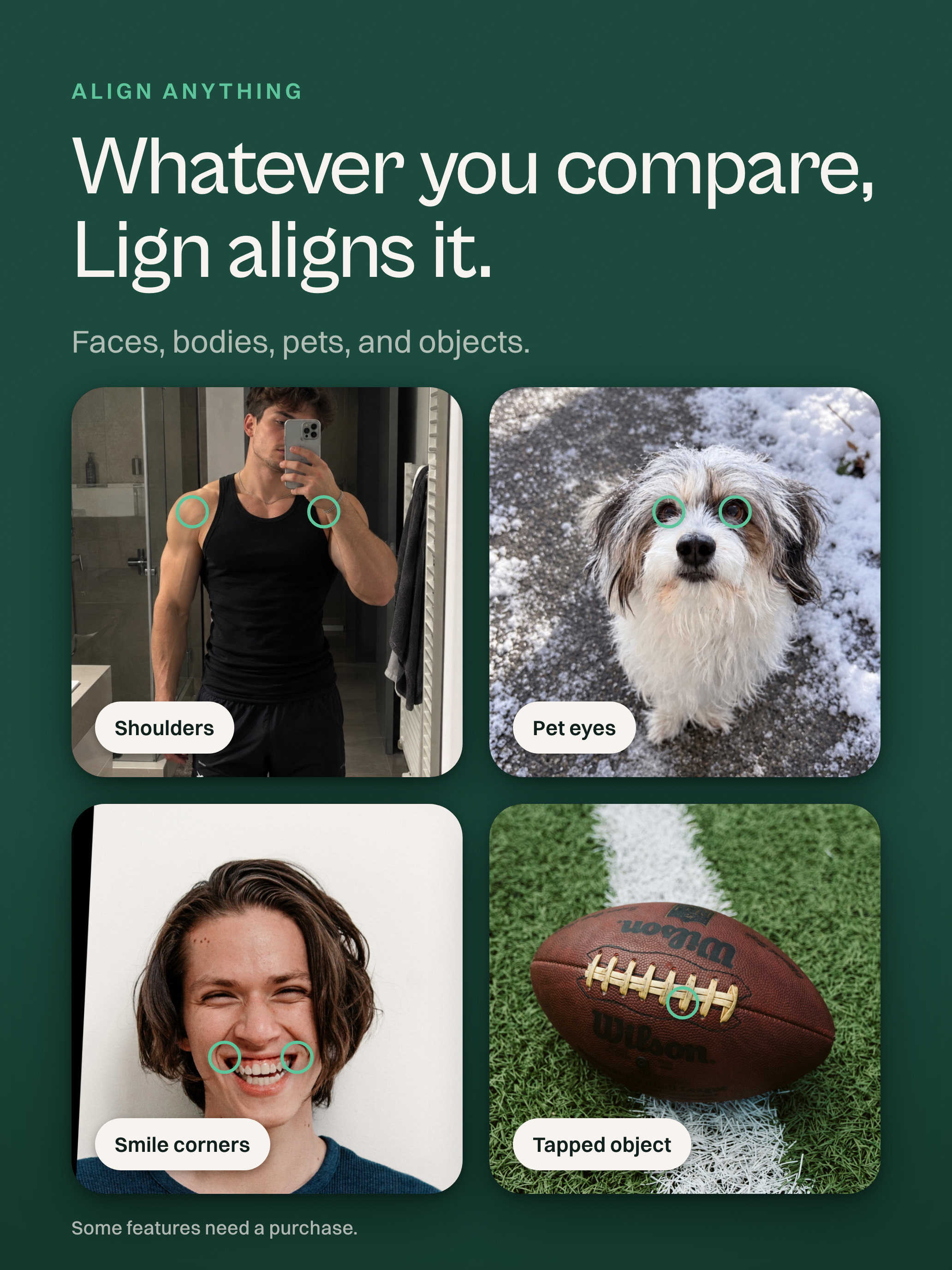
A 30-second App Preview: faces, a body, a dog, and a football line up.

Download the film MP4 · 886 × 1920 · 5.9 MB

Fact sheet

Lign at a glance

Developer
Julian Pomper, Pomper.Dev e.U., Vienna, Austria
Platforms
iPhone and iPad, with layouts made for iPhone Duo
Requires
iOS 18 or later
Release
October 23, 2026
Price
Free to use, optional Lign Pro subscription
Languages
English (US and UK), German, Spanish (Mexico), French, Italian, Japanese, Korean, Portuguese (Brazil), Russian, Simplified Chinese
Category
Photo & Video
Privacy
On-device analysis, no account
Website
getlign.app

About Lign

Photos that line up

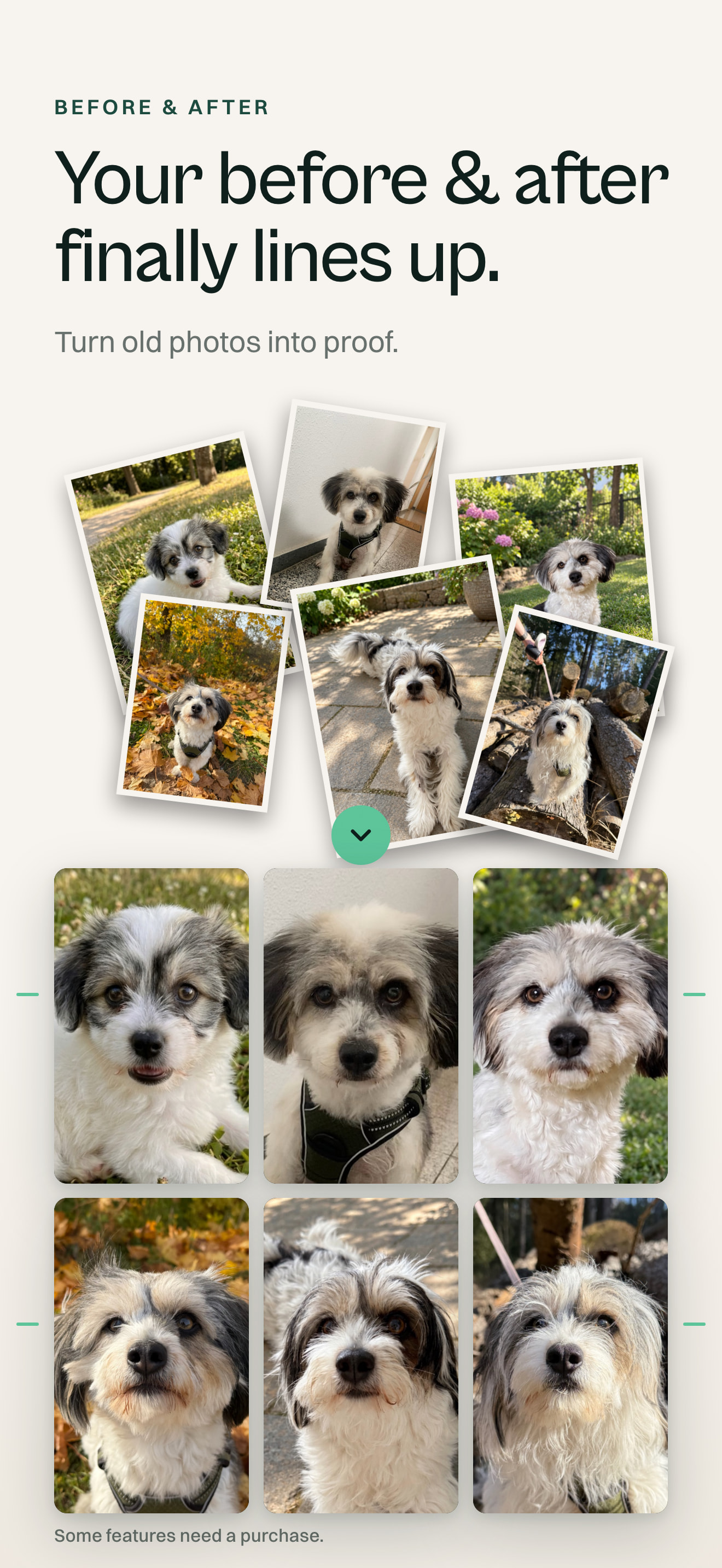
Lign aligns a series of a person’s own photos on one or more points, then plays them as a flipbook or morph video. It uses real alignment, not generative AI.

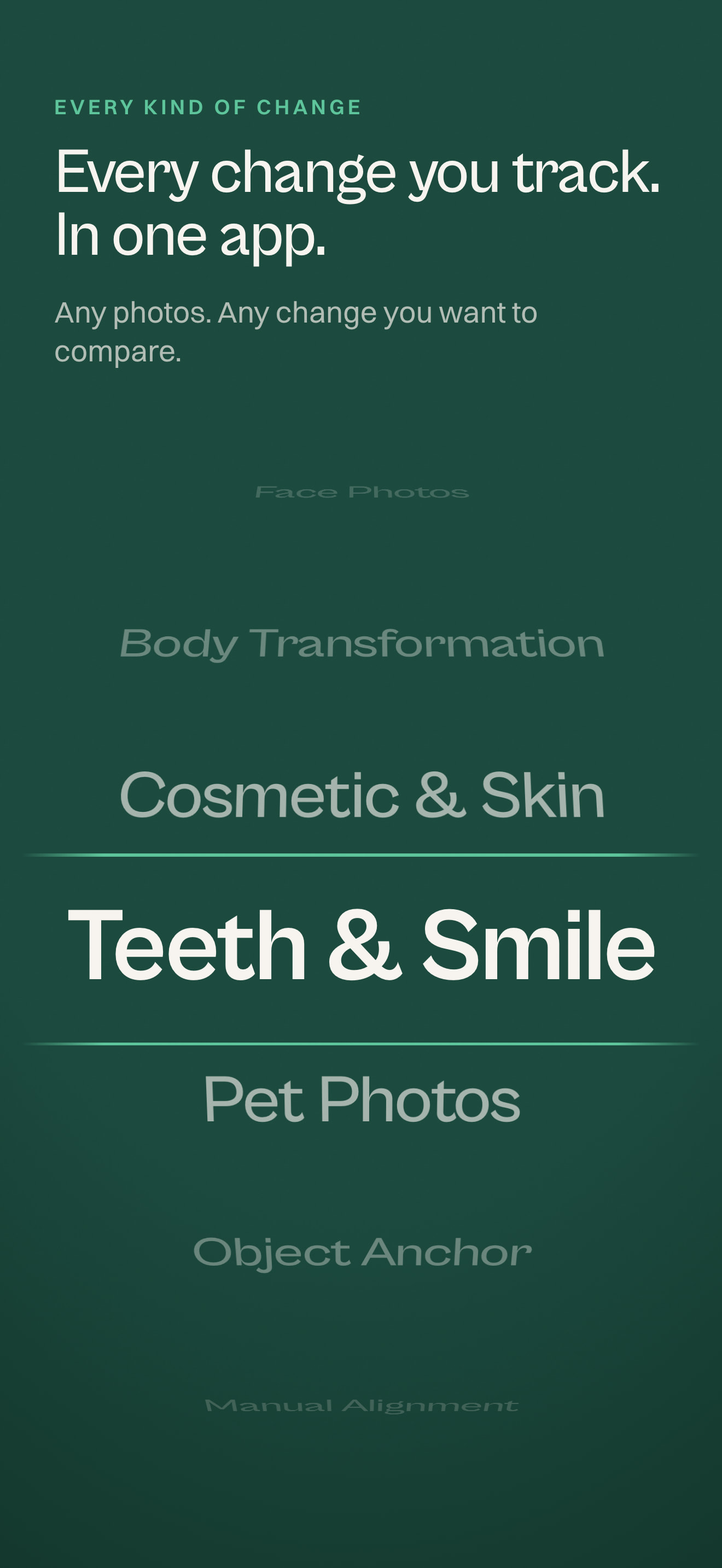
School years, pregnancy, a fitness or grow-in journey, a puppy, beard/hair growth, scar healing, braces: gradual change becomes visible.

Vision finds faces, bodies, pets and tapped objects on device; Metal morphs. App Intents lets Siri, Apple Intelligence and Shortcuts create projects and add photos. Spotlight finds photos; Share Extension imports them. A Live Activity tracks export. Liquid Glass shapes it.

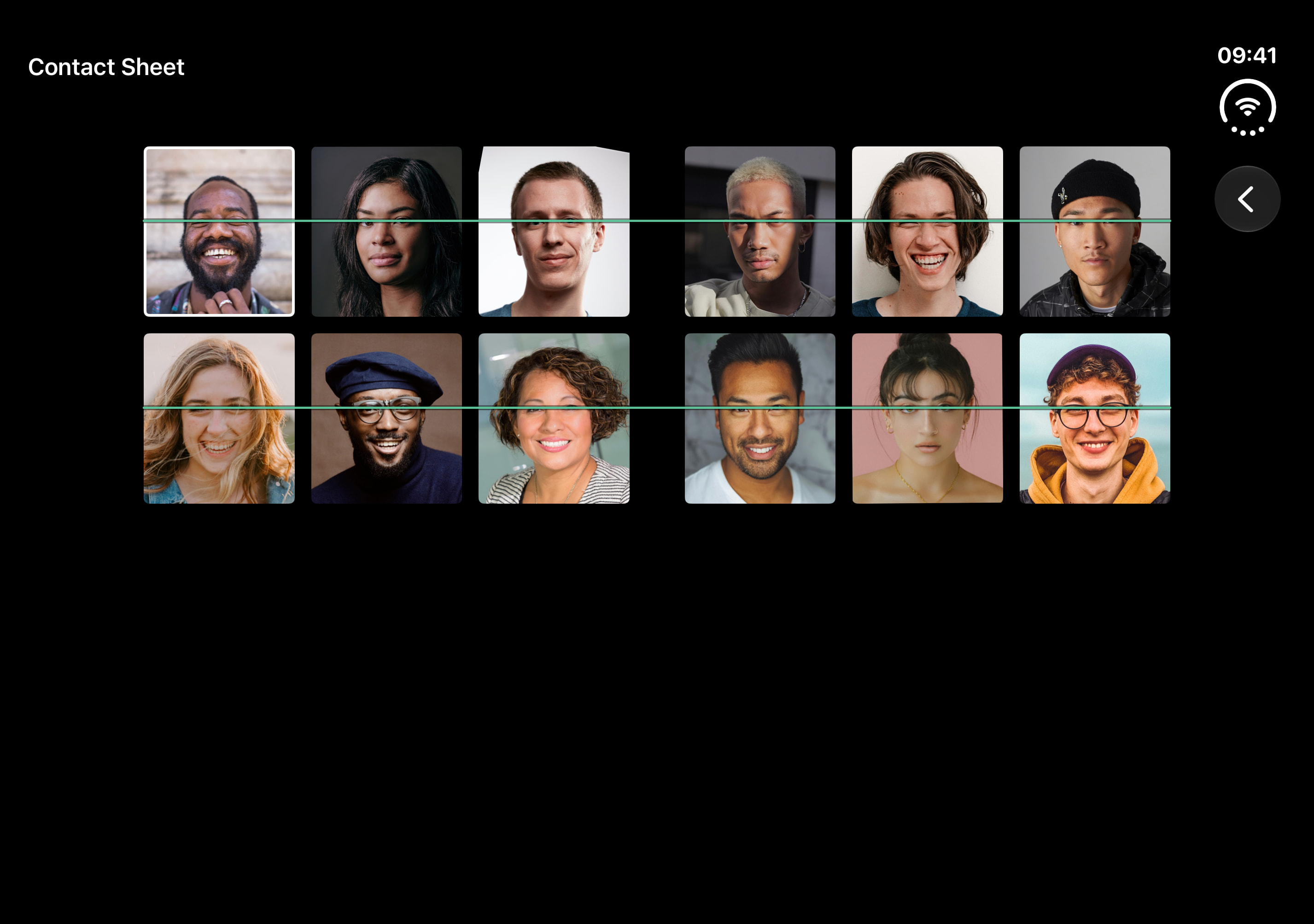
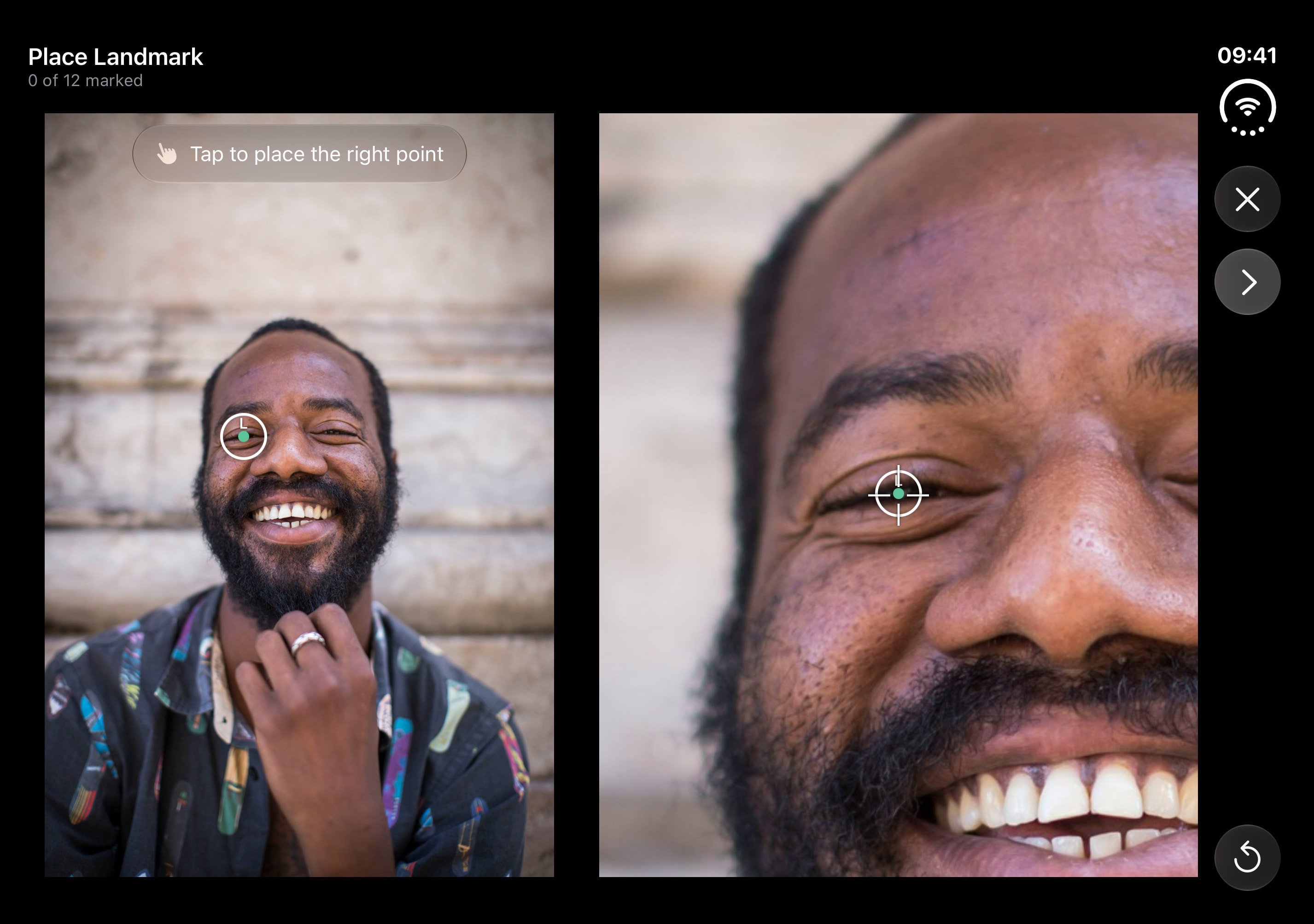
On iPhone Duo, The Spread shows the first photo and flipbook on facing pages; Hinge Morph moves through photos as the hinge opens or closes. The Stage plays the flipbook above controls when half folded. Contact Sheet draws a line through chosen points, and Loupe Page shows a 4x loupe for manual points.

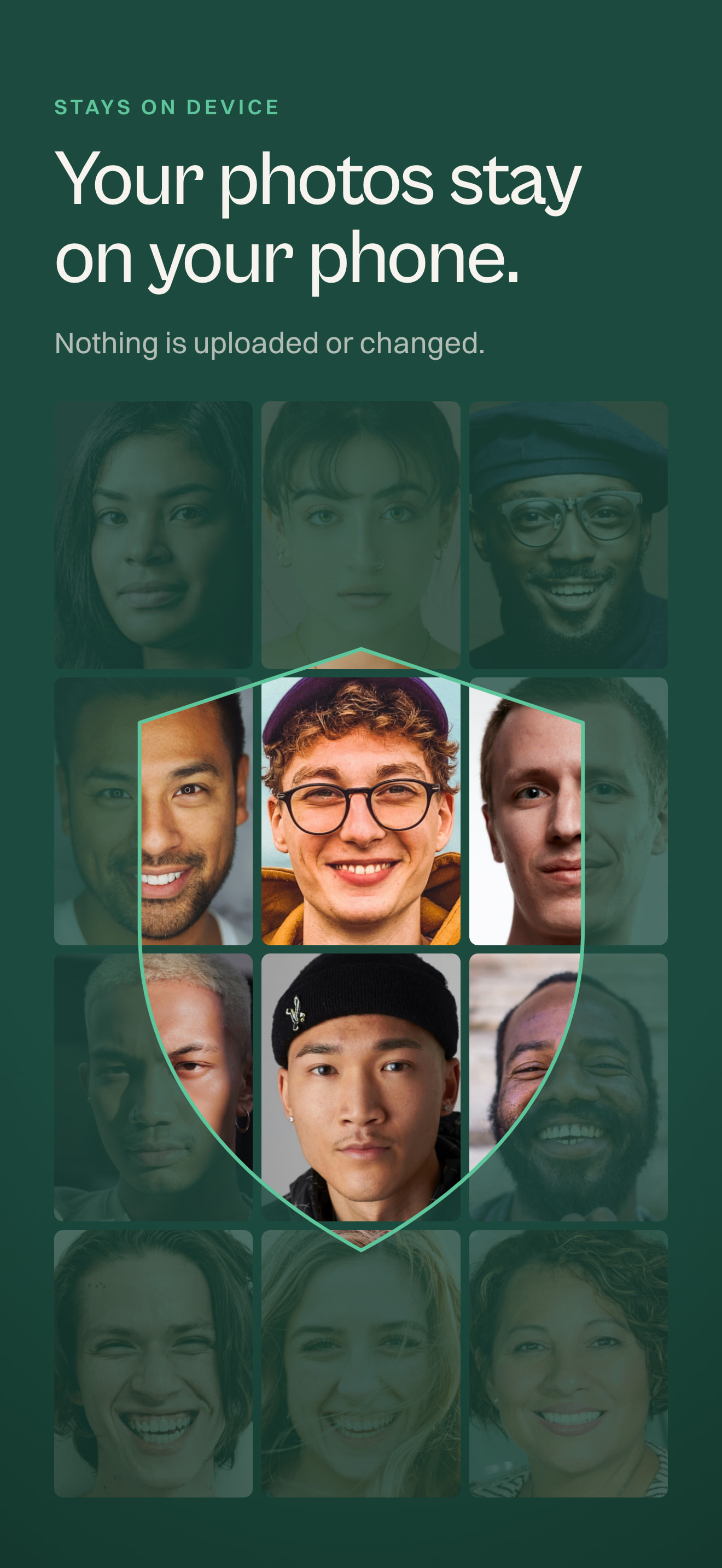
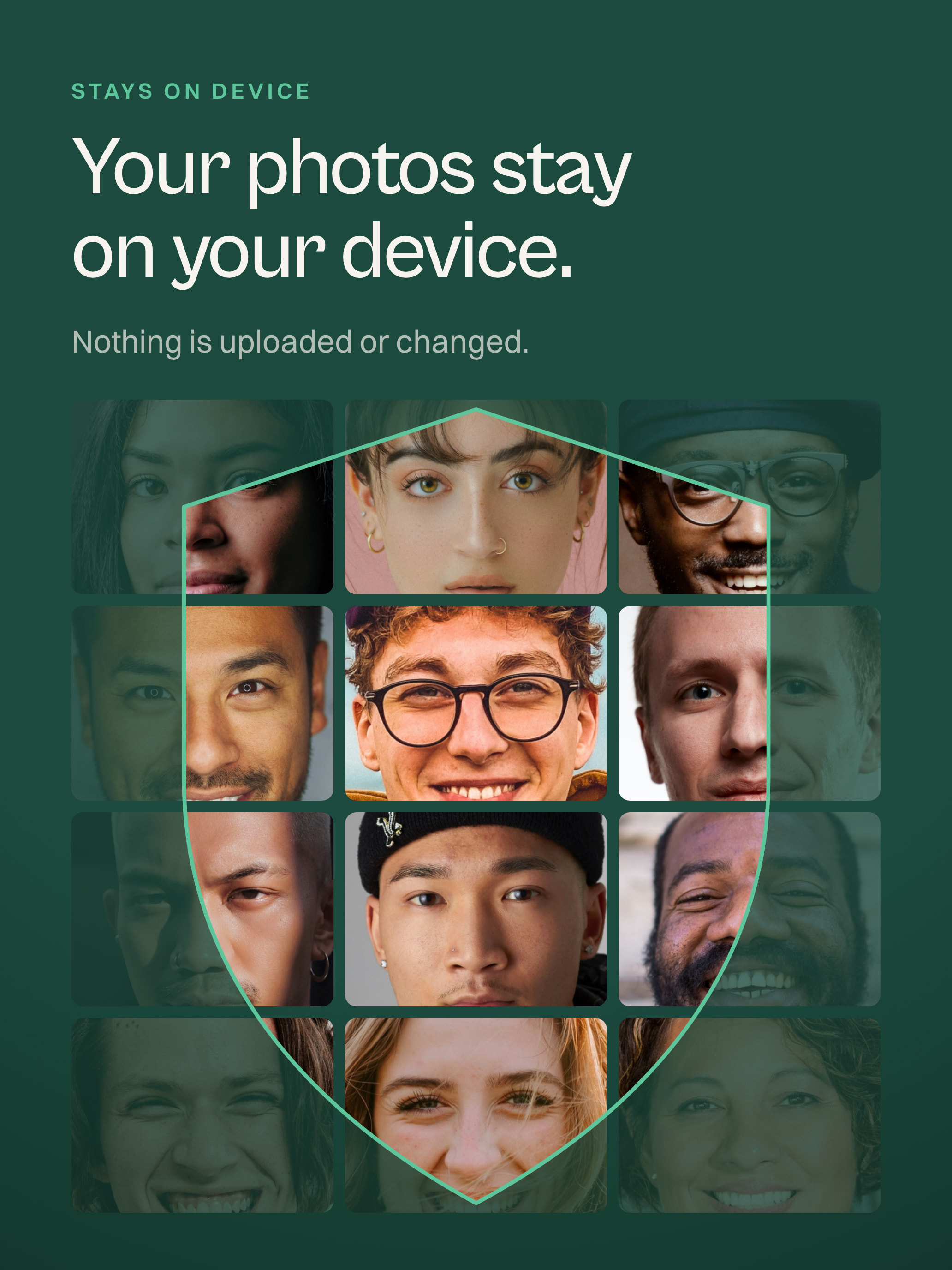
Photos never leave the phone; no account. Accessibility throughout. Launches on iPhone, iPhone Duo and iPad in 11 languages.

Key features

What Lign does

  1. Align any point

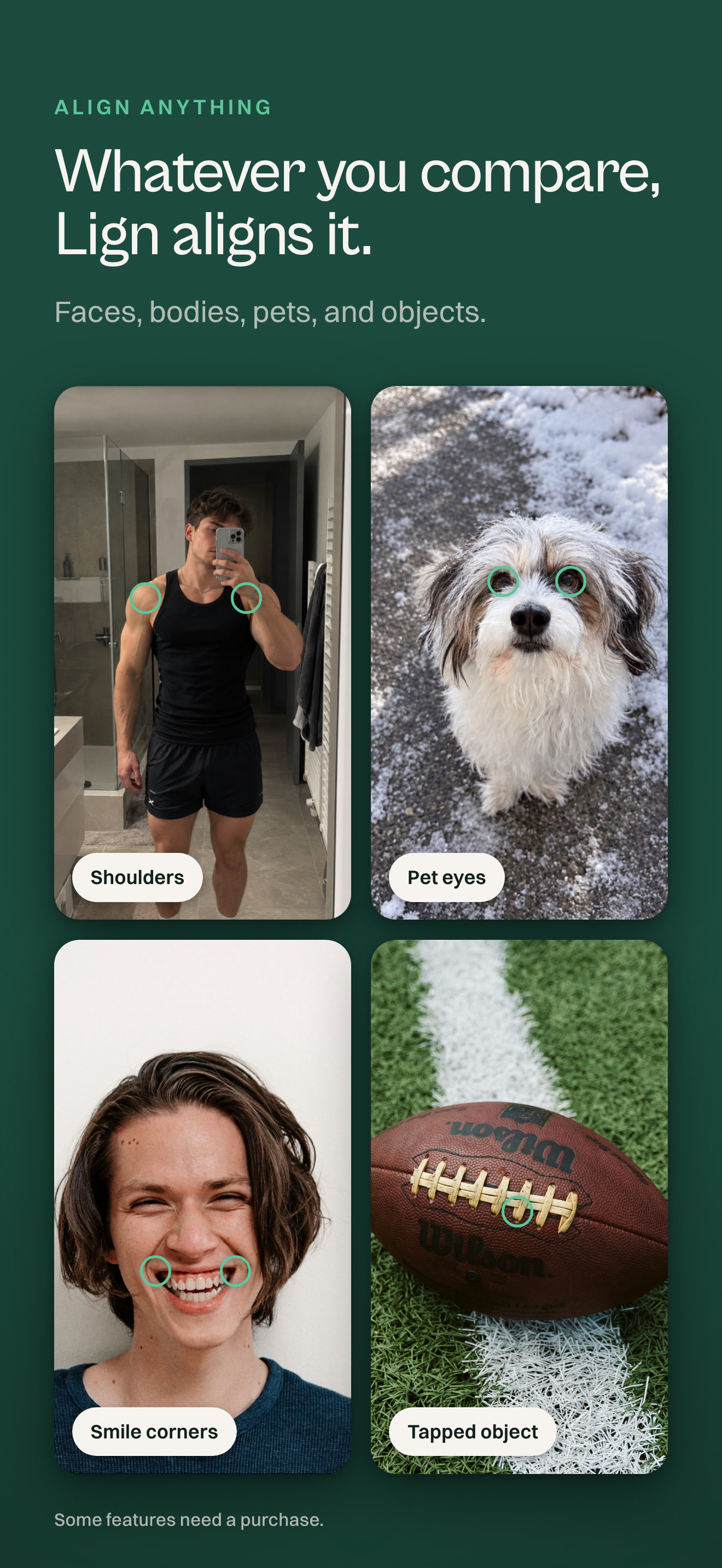
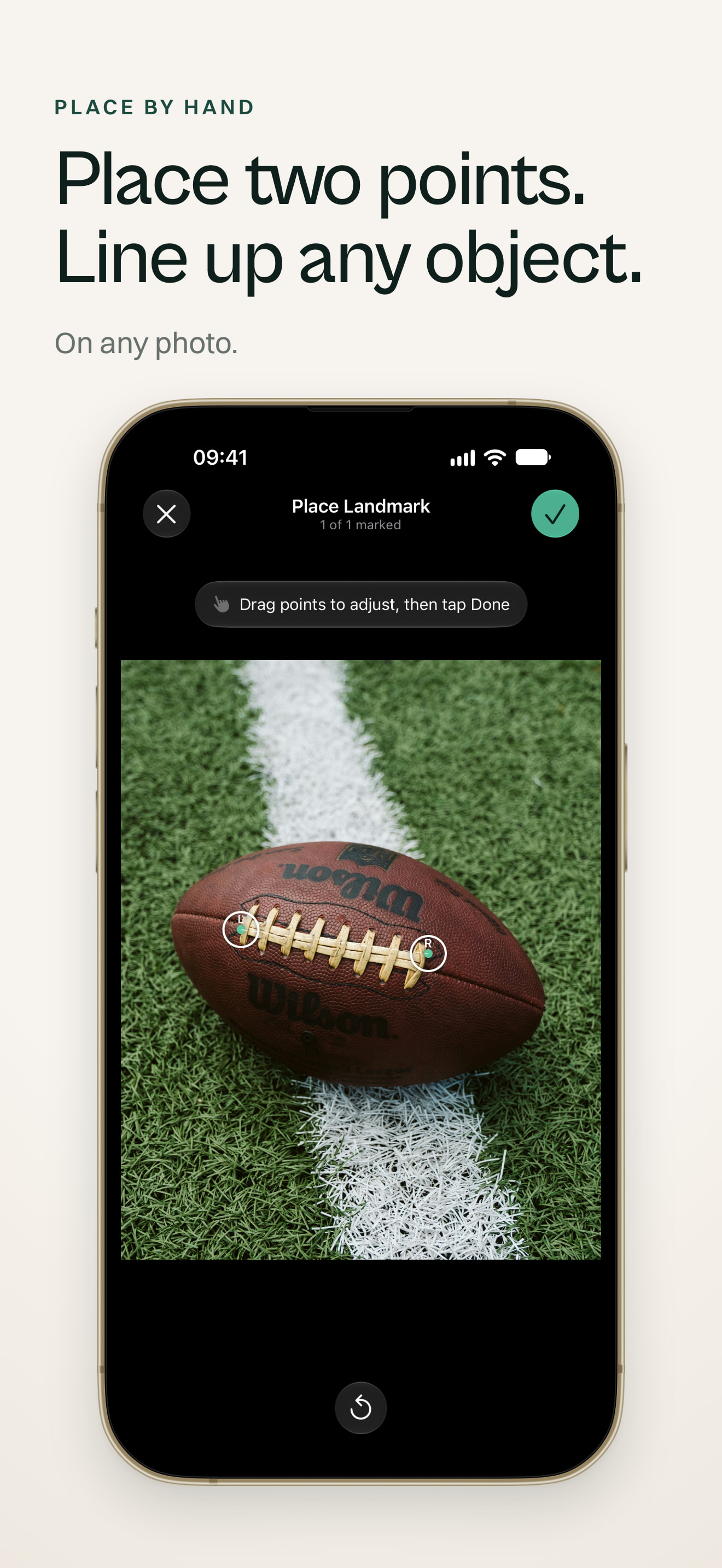
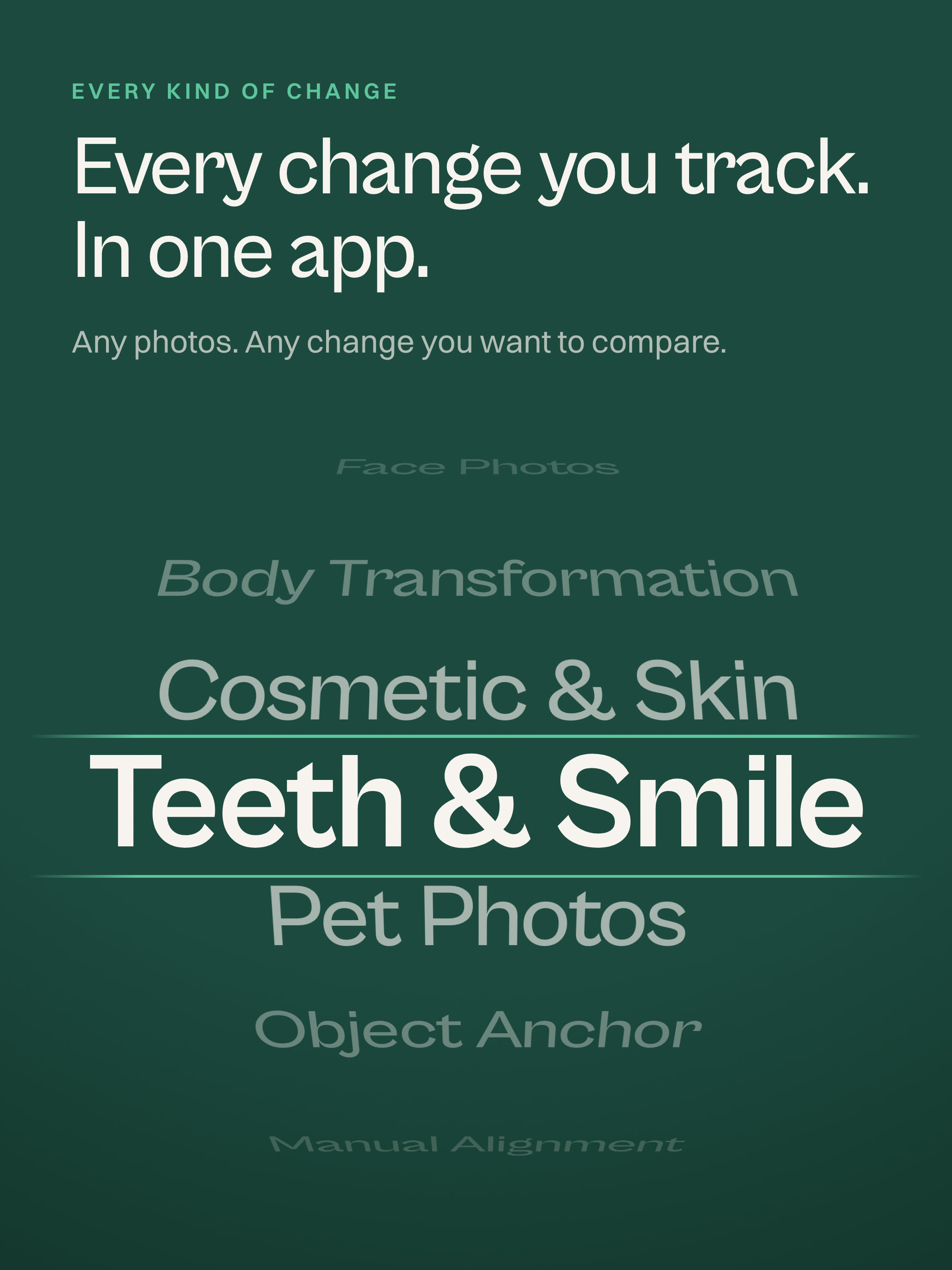
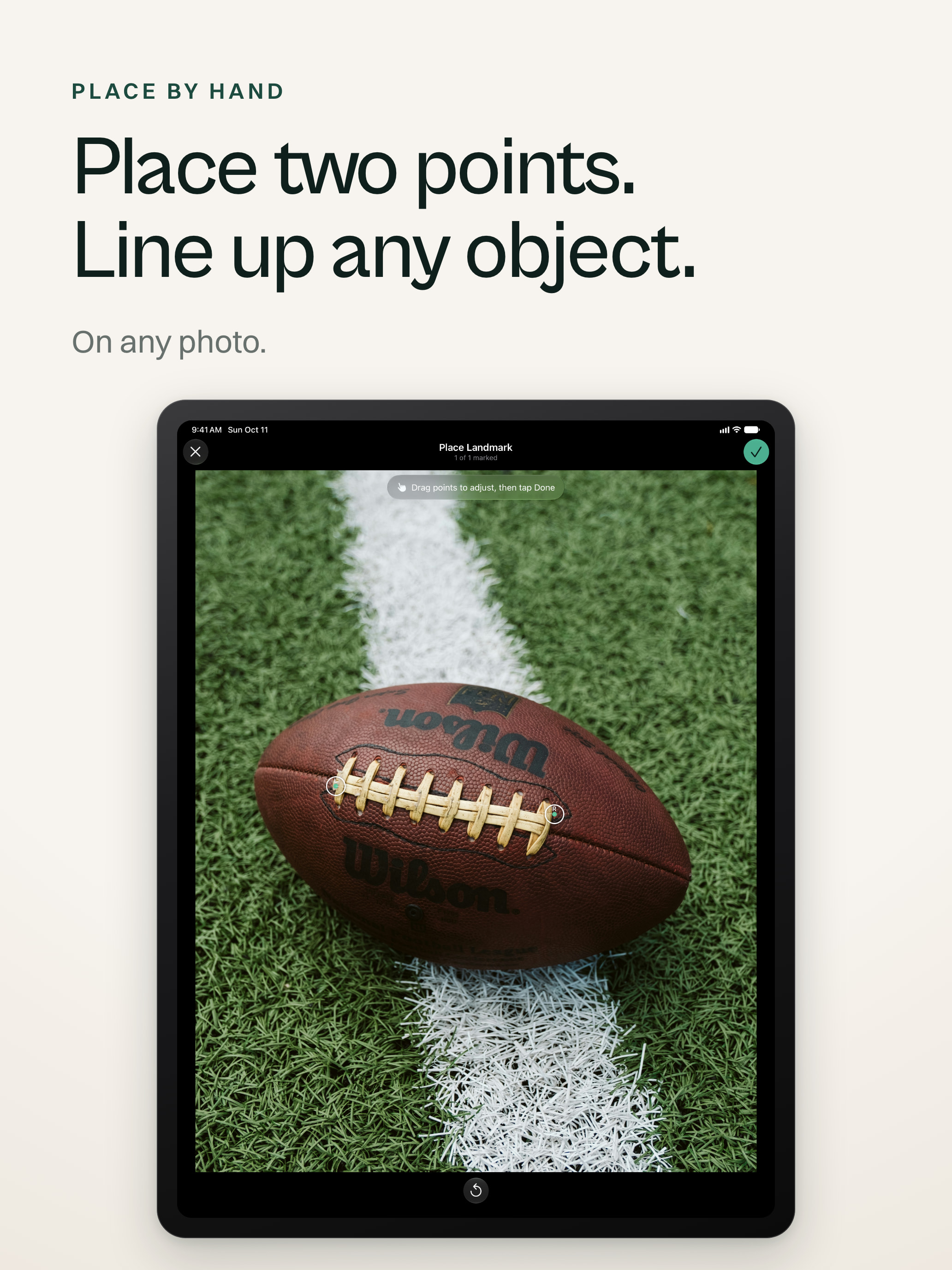
    Align on faces, bodies, dogs, cats, tapped objects, or points placed by hand. About 28 options.

  2. Real photos in motion

    Turn a person’s own photos into a flipbook or morph video. Nothing is invented.

  3. On device

    Apple’s Vision framework analyzes photos on device; no account, no upload; works offline.

  4. Made for iPhone Duo

    Two facing pages, hinge-controlled morphing, and a flipbook stage for the half-folded phone.

  5. Built into iOS

    Siri, Apple Intelligence photo actions, Shortcuts, Spotlight, Share Extension, and Live Activity are built in.

Screenshots

Choose a screen

Each full-size screenshot file is one click away.

iPhone

iPad

iPhone Duo

Raw landscape captures of the open iPhone Duo inner display.

Brand assets

Name and artwork

The name is written Lign. Use the app icon unchanged.

App icon

A green rounded square with a pale rolled-photo shape forming an L.

Key art

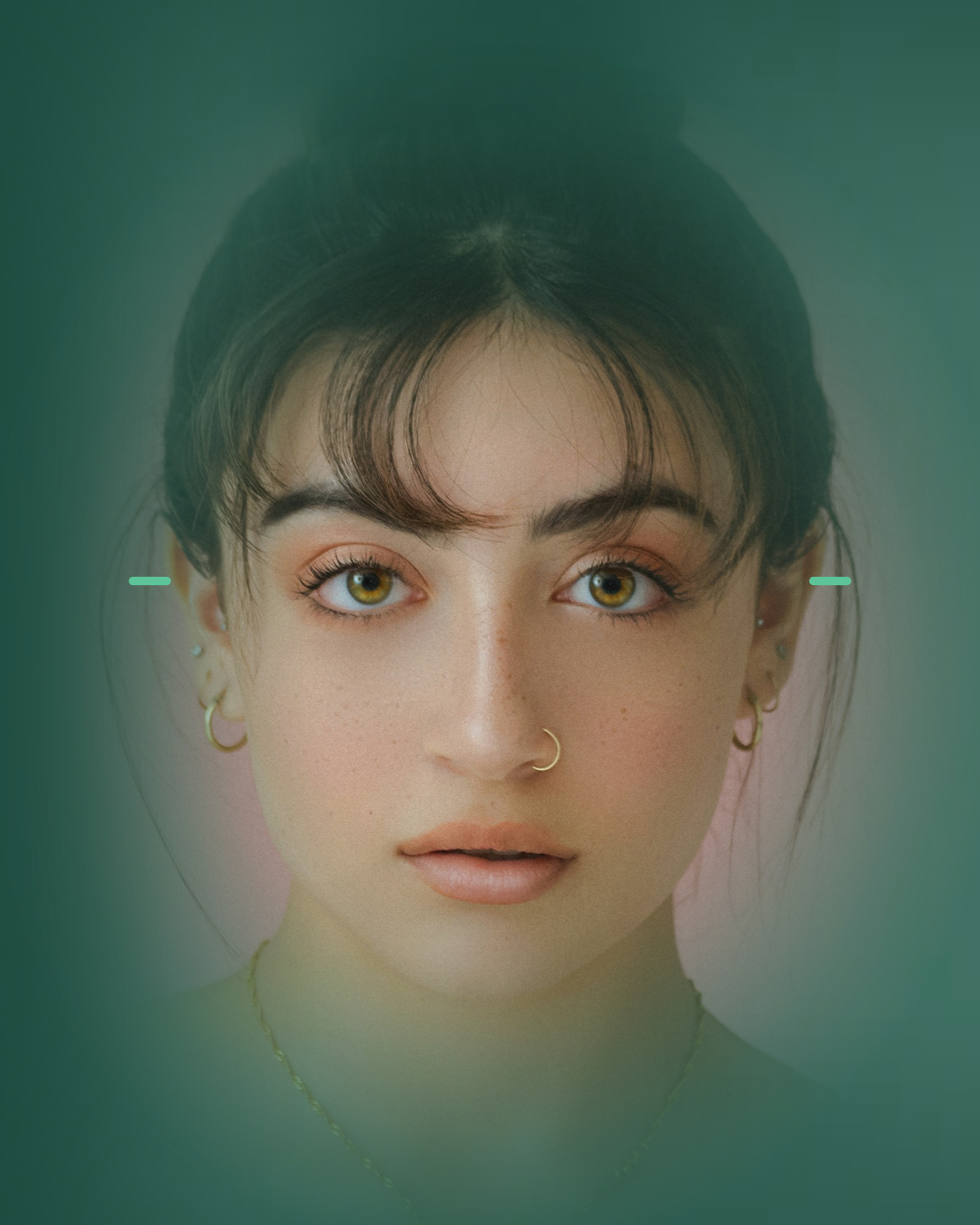
A portrait of a face tinted green, with a small mint tick at each side of the eyes. There is no text in the picture.

There is no text in the image, so it can be cropped or captioned.

Download JPG · 1400 × 1750 · 384 KB

Story

Why I built Lign

After a wedding, someone shared a fast-cut video of the guests in a group chat. The cuts followed the music, but I couldn't recognize people quickly enough. If their eyes had lined up, every face would have stayed visible.

The first version nearly worked, but it was messy. I deleted it and began again with a clean foundation.

The first algorithm rotated photos until the eyes matched. Tilted heads left black corners, so I built different alignment modes. I also kept revising the wording, because people should be able to choose without having to understand the transformation behind it.

Once the pupils worked, I kept finding more points worth using: brows, nose, mouth, chin, forehead, then shoulders, hips, knees and ankles. That meant supporting one- and two-point alignment, so people could choose what mattered in their photos.

Then the use cases widened. I added objects for the match-cut videos where a watch or logo stays centered between shots, and animals for a puppy growing up. When detection failed, manual alignment made room for whatever else someone wanted to line up: one point, two points, or an area.

A test photo also caught a face in the background. Lign chose it first, so I built a picker and duplicated photos with multiple people, letting each person appear in the final result.

I added video export when I realized not everyone wanted to move aligned photos into an editor. I also wanted Lign to fit the phone's everyday flow, especially the share extension I use all the time. The loading animation takes a cue from Apple Intelligence, so the work happening on device feels visible.

Julian Pomper

Solo indie developer, Vienna

Julian Pomper is a solo indie developer in Vienna. Lign is his second App Store app, built with accessibility and localization in mind from the start.

Privacy and accessibility

Built with care

Photos stay on device

Photo analysis runs on the device with Apple’s Vision framework. Lign has no account, upload, or servers, and works offline.

Accessibility throughout

Every control has a VoiceOver label. Hinge Morph and Contact Sheet are single adjustable elements, while icon-only controls on The Stage appear in the Large Content Viewer. Layouts rearrange at large text sizes, and every fold and hinge animation respects Reduce Motion.

Contact

Talk to the developer

Questions, interviews, review access, and other formats go to the email below. Julian answers himself.

hello@getlign.app

Download the press kit ZIP · 18.8 MB

The ZIP includes the icon, key art, screenshots, and App Preview film.

iPhone, iPad, iPhone Duo, App Store, Siri and Spotlight are trademarks of Apple Inc., registered in the U.S. and other countries.