The before & afterthat actually lines up.
One tap aligns the photos you already have.
Built for a TikTok wedding trend brides currently hand-align in CapCut. 3M+ views and counting.
iPhone & iPad · iOS 18 or later

PICK A POINT
Every photolines up.
You choose what holds still.
Pick eyes, a smile, shoulders, pet eyes, or an object. Every photo holds that point in the same place.

TRACK THE CHANGE
Months apart.Still in place.
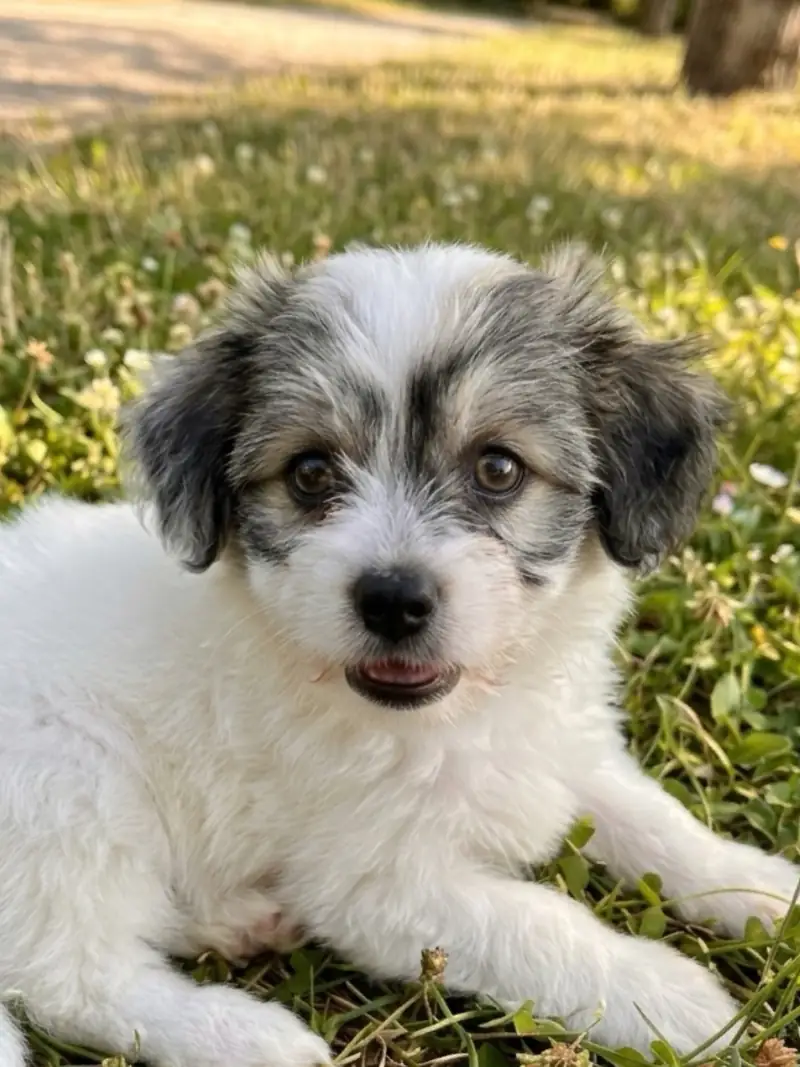
The same dog in 11 photos, from puppy to grown, in different places. The eyes stay in the same place.


Apr 2024 – Oct 2025


BEFORE & AFTER
Your before & afterfinally lines up.
Turn old photos into proof.
IN THE APP
Pick the point.Watch it line up.


How it works
-
01
Pick your photos
From the camera roll, Files, AirDrop, the share sheet, or by paste.
-
02
Tap an anchor
Pupils, mouth corners, shoulders, animal eyes, or tap any object on the photo.
-
03
Export the morph
Photo or video. 9:16 for Reels. 1:1 for the feed. 4:5 for the maxed-out grid.
A real bride
From the wedding-sunglasses trend on TikTok. Three million views. She was hand-aligning frames in CapCut to make the morph land on the beat. Lign aligns them automatically, anchored to faces, sunglasses, or whatever you tap.
See the wedding use caseI took 53 photos, each photo at 0.1 seconds & duplicated until they aligned with the sound.
ALIGN ANYTHING
Whatever you compare,Lign aligns it.
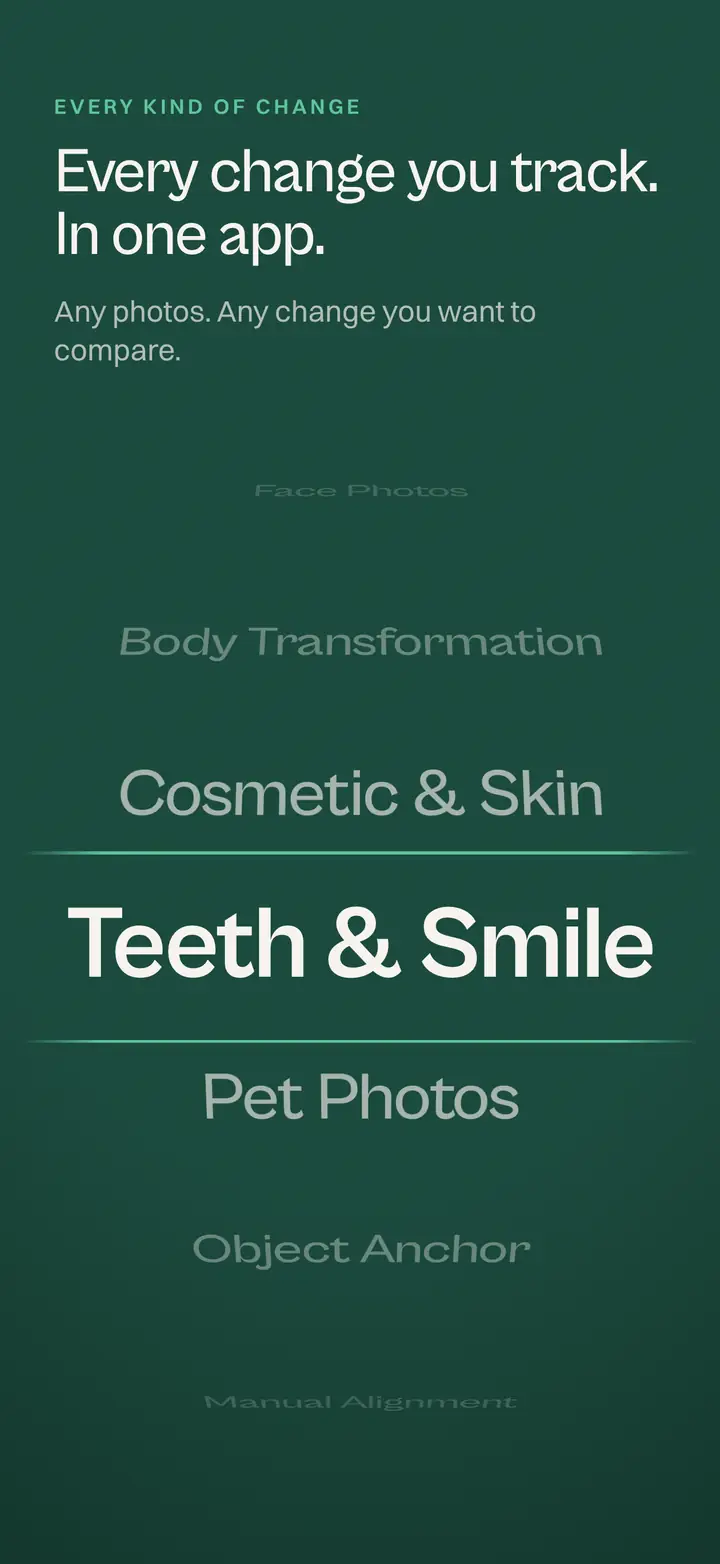
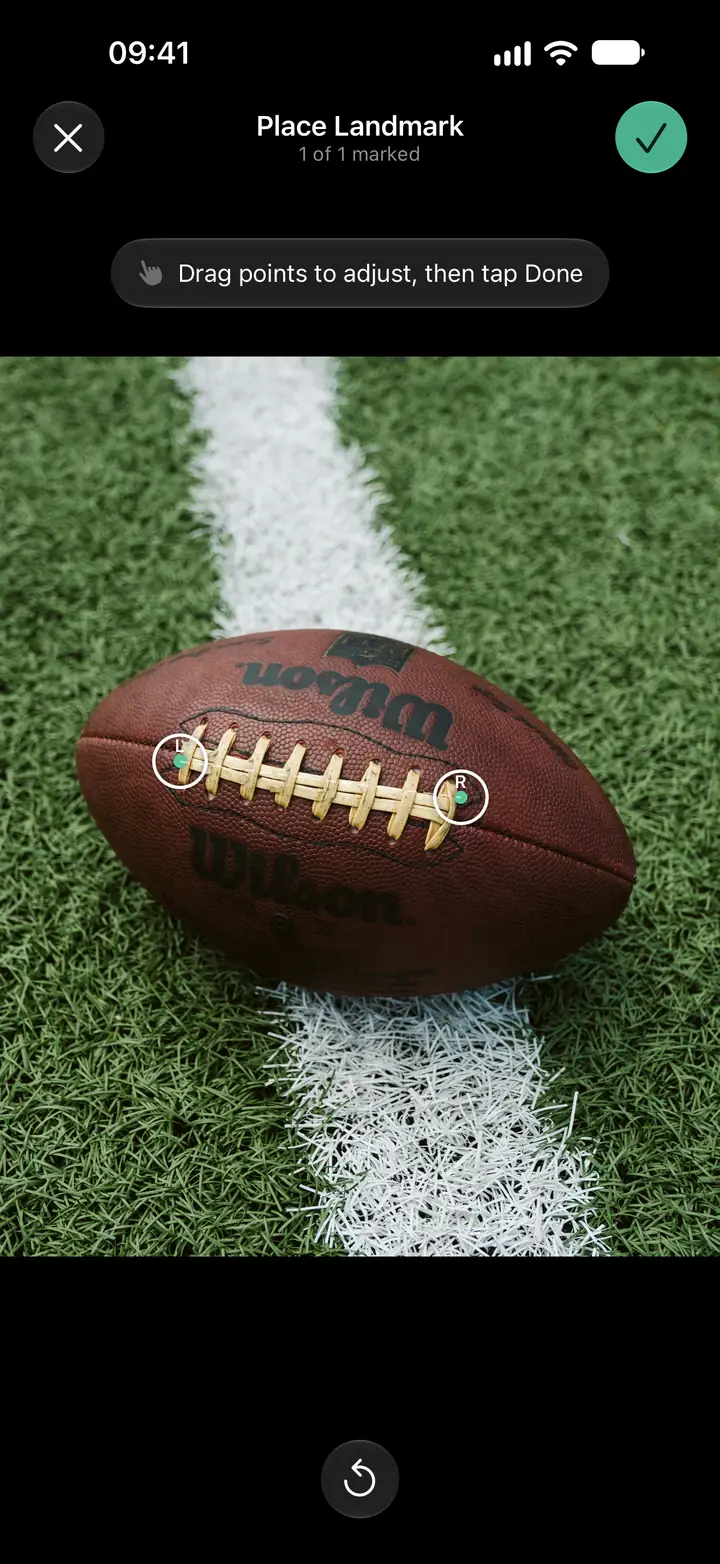
AUTO-ALIGN
One tap.Lign aligns it.
Smart detection finds the anchors automatically.
Apple's Vision framework finds the pupils, mouth corners, shoulders, or animal eyes for you. You only intervene when you want to.

PRIVATE BY DESIGN
100% on device.Photos stay yours.
No upload. No cloud. No AI faces.
How privacy works in LignRead it like a book.Flip through the change.
Lign for iPhone Duo

YOUR CAMERA ROLL
Pro morphs. Pet glow-ups.Family flipbooks.
All from your phone, in motion.